United States · residence
Green card photo, checked against the USCIS standard
Green card applications, including I-485 adjustment of status, consular processing and most other USCIS forms, use the US passport photo standard: 2×2 inches (51×51 mm), head measuring 50–69% of the frame, plain white background, neutral expression, no glasses, taken within the last six months.
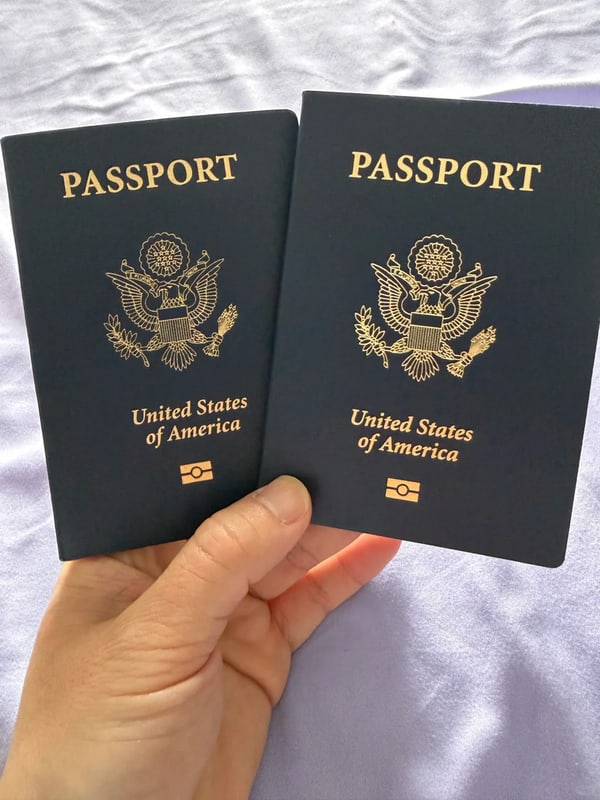
- Size
- 50.8×50.8 mm
- Digital file
- 600×600 px JPEG
- Background
- white
- Head height
- 50–69%
- Price
- $5.99 · once
Select country and document
Step 1/3
Popular: · ·
- Head size62.4% · 50–69%
- Eye line61.2% · 56–69%
- Backgroundwhite · σ 6
- Lightingeven
- Resolution1832px
MEETS SPEC · ESTIMATED
Checked against the official specification, with the source cited on every document.
How our US Green Card (Permanent Residence) photo tool works
Add a photo you already have and we measure it against the official US Green Card (Permanent Residence) specification (50.8×50.8 mm, 600×600 px, white background), then produce the exact files you need. Checking is free; you pay $5.99 only if you want the files.
Add your photo
A selfie or any recent photo of yourself, straight from your phone.
See every measurement
Ten checks run against the official spec and show you the numbers.
Fix what's off
Drag to reposition and zoom to resize, or retake the photo if something can't be fixed.
Download your files
Exact digital file, print-ready sheet and compliance report.
What is a US Green Card (Permanent Residence) photo?
A green card photo follows the US passport standard: 2×2 inches (51×51 mm) with the head measuring 50–69% of the frame against a plain white background, neutral expression, no glasses, taken within the last six months. Paper filings typically include two identical prints with the applicant's name and A-Number pencilled on the back.
The standard covers the I-485 adjustment of status and most USCIS photo requirements. USCIS applies the State Department's no-alteration rule: digitally edited, filtered or AI-enhanced photos are grounds for rejection. That is why a measuring tool is more use here than an editing tool.
Paper filings typically need two identical printed photos with your name and A-Number pencilled on the back; online filings upload a digital file. This page checks the geometry and gives you both: a 600×600+ pixel file and a 2×2 inch print sheet.

US Green Card (Permanent Residence) photo requirements
| Size | 50.8×50.8 mm · 600×600 px @300 DPI |
|---|---|
| Digital file | 600×600px JPEG |
| Background | white |
| Head height | 50–69% of frame height |
| Digital upload | accepted |
| Background editing | not permitted, so we leave yours as it is |
- Same photographic standard as the US passport photo.
Source: official requirements · verified 2026-07
US Green Card (Permanent Residence) photos that pass the checks

Thin frames, no glare, eyes fully visible 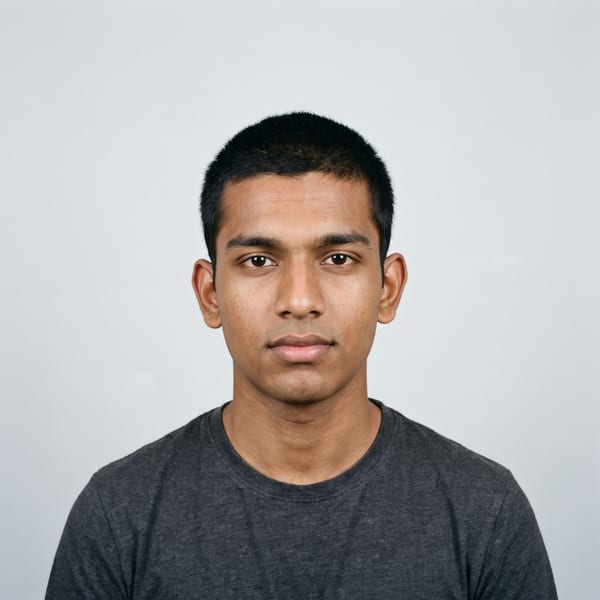
Even light, plain background, neutral expression 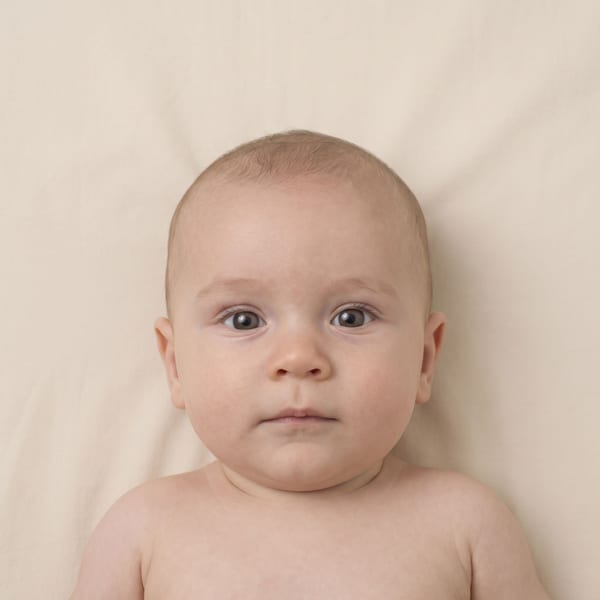
Infant alone in frame, eyes open, plain sheet 
Religious head covering with the full face visible 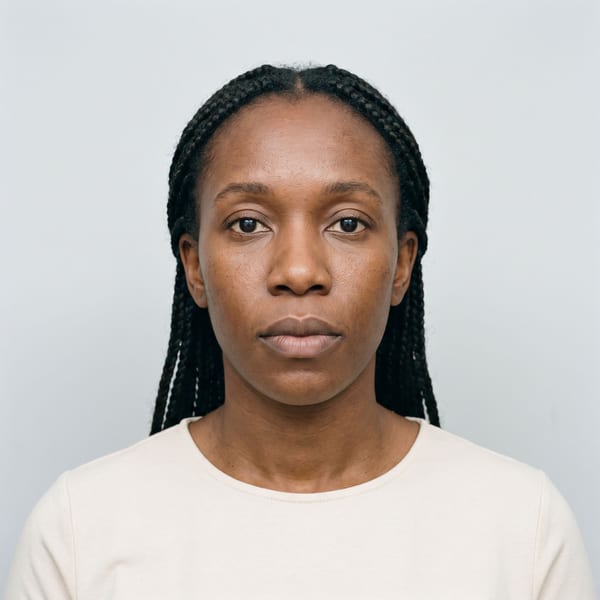
Hair back, forehead and both ears clear
US Green Card (Permanent Residence) photos that don't pass

Head tilted, hard shadow on the background 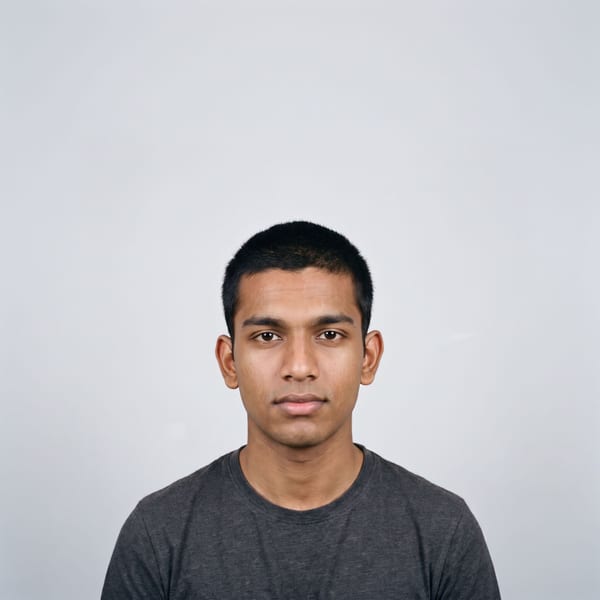
Taken too far away, head too small in the frame 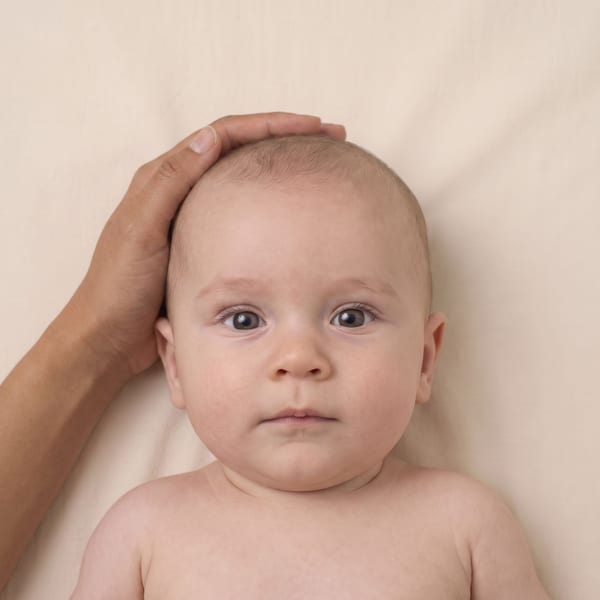
Someone else's hand in the frame 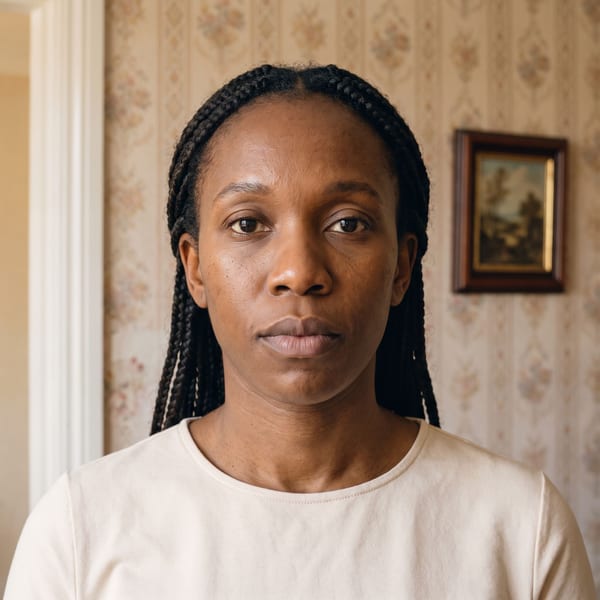
Patterned wall and furniture behind
Illustrative examples created for this guide. They are not customer photos, and not decisions by any authority.
What you get for $5.99
- High-resolution file in the exact spec (600×600px)
- Printable compliance report with everything we measured
- Print-ready 10×15 cm sheet with 4 copies and cut lines
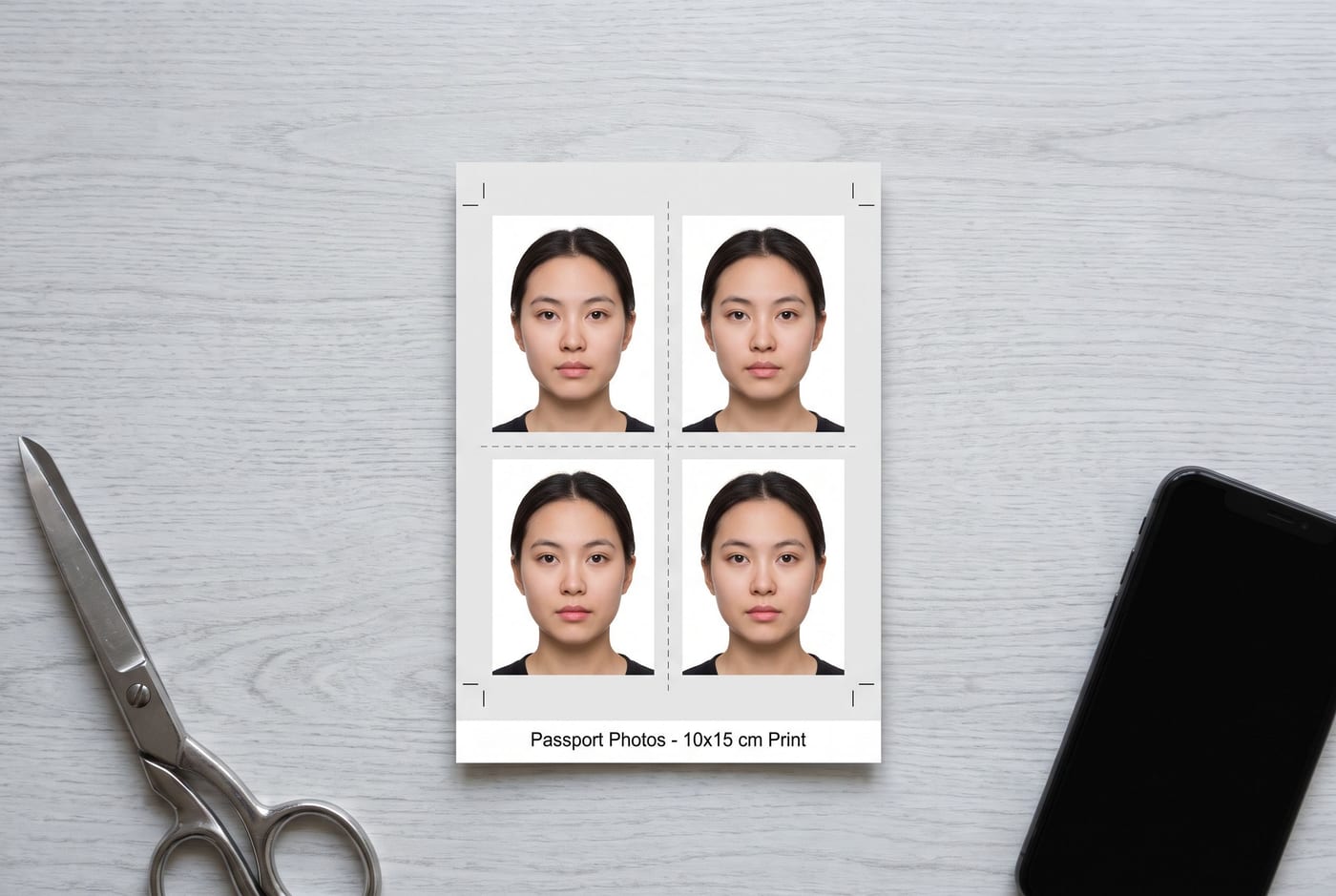
one-time payment, no subscription
Photos that pass
- Exact dimensions: 600×600px
- Plain white background, evenly lit
- Head filling 50–69% of the frame
- Taken in the last 6 months, neutral expression
Photos that get rejected
- Edited, filtered or AI-retouched photos
- Shadows on the face or background
- Busy walls, gradients or the wrong background colour
- Head too large, too small, or off-centre
- Glasses (banned for this document)
- Old photos, or photos of printed photos
Why use PassportClerk for your US Green Card (Permanent Residence) photo
- Convenience
- Make it at home from a photo you already have, without booking a studio or queueing for a booth. You get a file sized for the official upload and a print sheet for the times you need paper.
- Built from the official specification
- Every measurement on this page comes from the official US Green Card (Permanent Residence) requirements, and the source is linked, dated and re-checked.
- Works from any phone
- Nothing to install. A recent phone camera and a plain wall are enough.
- You see the numbers
- Head height, eye line, background and resolution are all measured and shown to you before you pay.
- Private, then deleted
- We only receive your photo if you buy, and everything is deleted within 48 hours.
If the files we produce don't match the specification on this page, we'll fix them or refund you. The decision on any application always rests with the issuing authority.
Frequently asked questions
How many photos does a green card application need?
Paper I-485 filings ask for two identical passport-style photos (some categories more). Write your name and Alien Registration Number lightly in pencil on the back. The print sheet gives you four identical copies.
Are the rules the same as a passport photo?
Yes. USCIS uses the Department of State standard: 2×2 inches, head 25–35 mm chin to crown (50–69%), white background, no glasses, no retouching. A photo that passes here works for both.
Can the photo be edited or enhanced?
No. USCIS follows the same no-alteration rule as the State Department. Background replacement, AI enhancement and heavy filters are rejection grounds, which is why this tool measures your photo instead of editing it.
What about the biometrics appointment?
USCIS also photographs you at the Application Support Center, but the photos submitted with your filing must still meet the standard. A non-compliant submission can delay the case before biometrics ever happen.
How we handle compliance
- We check your photo against the official rules. We never retouch your face, and we only normalize the background where the destination country permits it.
- Every requirement is cited from official government sources, with the verification date shown on the page.
- What you get is a report of measurements, not a guarantee. Final acceptance always rests with the issuing authority.
official requirements · verified 2026-07